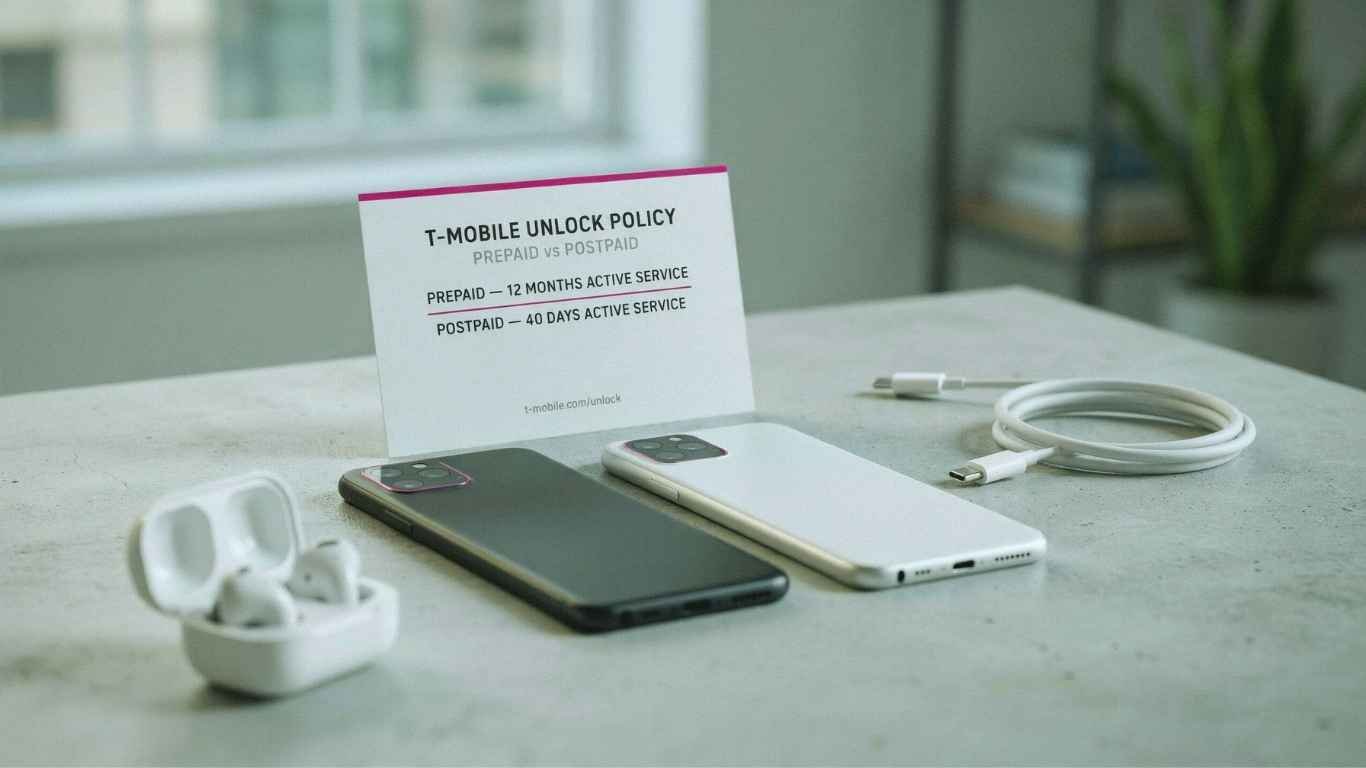
Postpaid customers wait 40 days. Prepaid customers wait 365 — unless they know the $100 shortcut. Here’s exactly how T-Mobile’s unlock clock works this year, and why the FCC stopped pushing carriers to speed it up.
TL;DR — The Short Answer
If you’ve ever tried to take a T-Mobile phone to a cheaper carrier — or just wanted to drop a local SIM in it while traveling — you’ve run into the carrier lock. It’s a software restriction, not a hardware one, and T-Mobile controls when it lifts.
The confusing part is that T-Mobile doesn’t run one unlock policy. It runs at least four, depending on whether you’re on postpaid, T-Mobile Prepaid, Metro, or one of the brands T-Mobile has acquired over the past two years. The wait can be anywhere from 14 days to a full calendar year for phones sold by the same parent company.
This guide breaks down each timeline, shows you where the clock actually starts, and covers what to do when the unlock doesn’t arrive on schedule.
Postpaid vs Prepaid at a Glance
Here’s the core difference in one table. Everything else in this guide is detail hanging off these two rows.
| Requirement | T-Mobile Postpaid | T-Mobile Prepaid |
|---|---|---|
| Time on network | 40 days active on the requesting line | 365 days since activation |
| Early path | None — 40 days is the floor | $100+ in refills per active line, plus 14 days since purchase |
| Device must be paid off | Yes — all EIP or lease payments satisfied | Not applicable (prepaid phones are bought outright) |
| Account standing | Good standing; canceled accounts need a $0 balance | Good standing |
| Unlock limit | Not specified | Maximum 2 unlocks per line in any 12 months |
| How it happens | Automatic remote unlock within 2 business days of eligibility | Automatic remote unlock within 2 business days of eligibility |
| Cost | Free | Free |
Both timelines come straight from T-Mobile’s official device unlock policy, which is the only source worth trusting when a store rep and a support chat give you different answers.
The Postpaid Timeline: 40 Days, Two Conditions
Where the 40-day clock actually starts
Day one is the activation date, not your billing cycle start and not your purchase date. If you bought a phone on the 3rd and activated it on the 9th, your unlock window opens roughly 40 days after the 9th.
People get tripped up when they order online. The phone ships, sits in a box for a few days, and the clock doesn’t move until it’s live on the network. Check your activation date in the T Life app rather than guessing from the order confirmation email.
If the device sits on a canceled account, T-Mobile requires the account balance to be zero before it will unlock. This is the single most common reason a phone bought secondhand refuses to unlock — the original owner walked away owing a final bill, and the IMEI stays locked until that’s settled.
What “automatic” means in practice
Since T-Mobile moved to automatic remote unlocking, most postpaid customers never submit a request. Once you cross the eligibility line, T-Mobile pushes the unlock to the device within two business days. You’ll often find out because a friend’s SIM suddenly works, not because you got an email.
Some older devices can’t accept a remote unlock. In those cases T-Mobile sends a notification to the phone — also within two business days of eligibility — explaining how to finish the process manually.
The Prepaid Timeline: 365 Days, or the $100 Shortcut
Prepaid is where the frustration lives. A full calendar year is a long time to hold a phone you can’t move, and most people don’t realize there’s a second, much faster path built into the same policy.
Reading the $100 rule correctly
Three details decide whether this works for you:
- It’s “more than $100,” not “$100.” A $100 balance exactly doesn’t clear the bar. Refill $110 and stop wondering.
- It’s per active line. A three-line prepaid account needs more than $100 in refills for each line, not $100 across the account.
- The 14-day floor is absolute. Even if you dump $300 in on day one, you can’t unlock until two weeks after the purchase date. This is a fraud control, not a technicality anyone will waive for you.
For someone on a $50/month prepaid plan, the math is straightforward: after the third refill you’re past $100, and if you’re past day 14 you’re eligible. That turns a 365-day wait into a roughly 90-day wait without spending an extra dollar you weren’t already spending.
T-Mobile Prepaid caps unlocks at two completed device unlocks per line of service in any rolling 12-month period. If you’re churning through cheap phones and unlocking each one, the third request will be denied regardless of refills or tenure. This is aimed at bulk resellers, but it catches families who share a line for hand-me-down devices.
Your Unlock Timeline, Day by Day
Here’s how the milestones stack up for a phone bought new from T-Mobile today.
Both clocks start. Note this date. It’s the reference point for every requirement that follows, and it is not the same as your purchase date if the phone shipped to you.
The minimum holding period for prepaid devices expires. From here, refills are the only thing standing between you and eligibility.
If the device is paid off and the account is current, postpaid unlock triggers automatically. Expect the unlock to land within two business days.
Most prepaid customers cross $100 in cumulative refills somewhere in here, depending on plan price. Once you do, eligibility follows.
The backstop. Every eligible prepaid device unlocks at the one-year mark from activation, refills or not.
Every T-Mobile Brand Has a Different Clock
T-Mobile has absorbed several brands in recent years, and each kept its own unlock rules. If you bought your phone from a T-Mobile-owned company that isn’t named T-Mobile, none of the numbers above apply to you.
| Brand | Unlock Requirement | Notes |
|---|---|---|
| T-Mobile Postpaid | 40 days + paid in full | Fastest timeline of any major US carrier in 2026 |
| T-Mobile Prepaid | 365 days, or $100+ refills after day 14 | Capped at 2 unlocks per line per year |
| Metro by T-Mobile | 365 days from activation | Was 180 days until May 2024; no refill shortcut in the published policy |
| Mint Mobile | 60 days (full retail) / 12 months (discounted) | Mostly a BYOD brand, so few customers are affected |
| Ultra Mobile | 60 days (full retail) / 12 months (discounted) | Same structure as Mint after the 2024 acquisition |
| UScellular | Follows UScellular’s own published policy | T-Mobile directs former UScellular customers to that policy separately |
Why Metro doubled its wait time
Metro by T-Mobile required 180 days until May 2024. Days after T-Mobile closed its Mint and Ultra acquisition — a deal that came with a commitment to unlock Mint devices at 60 days — Metro quietly moved to 365 days from activation. Then-FCC Chairwoman Jessica Rosenworcel publicly criticized carriers that had increased unlock waits by as much as 100 percent, in what was widely read as a reference to Metro.
The change stuck. As of 2026, Metro remains the strictest of the T-Mobile family brands, and it matters more than the Mint concession did — Metro sells far more subsidized handsets than Mint and Ultra combined.
Every timeline on this page disappears if you buy the phone unlocked from Apple, Samsung, or Google directly. You pay more upfront and lose the carrier promo, but you keep the freedom to switch, use travel eSIMs, and sell at the higher unlocked resale price. If flexibility inside the first year matters to you, run those numbers before taking the “free phone” deal.
What Changed in 2026: The FCC Backed Off
For most of 2024 and 2025, it looked like unlock timelines were about to get shorter everywhere. The FCC had opened a proceeding proposing a universal 60-day unlocking rule for all carriers. T-Mobile and AT&T opposed it, arguing that long lock periods are how they recover phone subsidies and deter fraud.
That proposal never became law. Instead, the FCC moved in the opposite direction. On January 12, 2026, the Wireless Telecommunications Bureau granted Verizon a waiver of the 60-day automatic unlock requirement it had carried since a 2008 spectrum purchase. As Ars Technica reported, the waiver lets Verizon follow the CTIA’s voluntary industry code instead — a code that calls for unlocking prepaid devices a year after activation and postpaid devices once financing obligations are met.
The FCC’s stated reasoning was fraud: Verizon argued that being the only carrier unlocking at 60 days made its handsets a magnet for theft and resale abroad, and the Commission agreed that a uniform standard was preferable. The waiver stays in place until the agency settles on an industry-wide approach.
Three practical consequences. First, no one is unlocking faster than T-Mobile’s 40-day postpaid window anymore, so switching to Verizon for quicker unlocks is no longer a strategy. Second, the pressure that might have shortened T-Mobile’s 365-day prepaid rule has evaporated. Third, buying an unlocked phone outright is now the only reliable way to guarantee flexibility in your first year with any US carrier.
T-Mobile vs AT&T vs Verizon in 2026
With Verizon’s special obligation gone, the three national carriers now sit fairly close together — with T-Mobile holding the shortest postpaid wait.
| Carrier | Postpaid | Prepaid | Request needed? |
|---|---|---|---|
| T-Mobile | 40 days + paid in full | 365 days, or $100+ refills after day 14 | No — automatic within 2 business days |
| AT&T | 60 days + paid in full | 6 months of active service | Automatic for most newer devices; portal for older ones |
| Verizon | Once the device is paid off; 35-day delay if you pay it off online, in-app, or with a Verizon gift card | Aligned to the CTIA code following the January 2026 waiver | Upon request under the CTIA code |
The Verizon payoff delay is worth flagging if you’re comparing carriers. Paying off a device agreement through the app or website adds 35 days before the unlock processes — a detail that catches people who assumed clearing the balance was instant.
How to Check and Complete Your Unlock
- Confirm your activation date Open the T Life app and look at your line details. T-Mobile has retired the old T-Mobile app in favor of T Life, so if you’re still hunting for the legacy app, that’s why you can’t find it.
- Check the device balance Any remaining EIP or lease balance blocks a postpaid unlock outright. The balance must read $0, and a payment posted today may take a day or two to clear in T-Mobile’s systems.
- Check your current lock status On iPhone: Settings → General → About → Carrier Lock. “No SIM restrictions” means you’re already unlocked. On Android: Settings → About phone → SIM status, or simply insert another carrier’s SIM and see whether it registers.
- Wait two business days after eligibility Don’t call on day 41. The automatic unlock is queued, not instant, and support can’t accelerate a process that’s already running normally.
- Keep the phone on and connected Remote unlocks are pushed over the network. A phone in airplane mode, powered off, or sitting on Wi-Fi only in a weak-coverage area can miss the window and need a retry.
- Verify with another SIM The only real proof is a working SIM from a different network. A status screen that says “unlocked” while another carrier’s SIM shows no service means the unlock didn’t fully apply — restart the device before escalating.
Why Eligible Phones Still Fail to Unlock
T-Mobile unlocks eligible devices free of charge. A third-party service cannot make an ineligible IMEI eligible — it has no access to T-Mobile’s systems and no ability to change your activation date, refill history, or device balance. Sites promising same-day unlocks for a fee are either reselling the free process back to you after the wait, or taking your money for nothing. T-Mobile also reserves the right to deny any unlock request it concludes is an attempt to defraud the company.
The Military Exception
Deployed military personnel who are customers in good standing can have devices unlocked ahead of the normal timeline by providing overseas orders. This applies across both T-Mobile and Metro, and it’s one of the few genuine exceptions to the standard eligibility rules. Contact T-Mobile support directly with your deployment documentation rather than waiting on the automatic process.
Switching carriers after your unlock?
The Bottom Line
Match your purchase to your timeline
If you’re on postpaid: 40 days and a zero balance is genuinely the shortest wait available from any US carrier right now. Note your activation date, keep the phone active on the same line, and let the automatic unlock do the work.
If you’re on prepaid: don’t resign yourself to a year. Track your refills — once you’re past $100 per line and past day 14, you’re eligible. That’s a three-month wait for most people, not twelve.
If you’re buying from Metro: go in knowing you’re committing for a full year of carrier lock. That’s a fair trade for a heavily discounted phone, but it’s a bad fit if you travel internationally or expect to switch.
If flexibility is the priority: buy the phone unlocked from the manufacturer. With the FCC no longer pushing carriers toward faster unlocks, paying full price upfront is the only way to guarantee you can move whenever you want.
Frequently Asked Questions
No. The 40-day active service requirement and the paid-in-full requirement are separate conditions, and you have to satisfy both. Paying off a device on day 10 doesn’t shorten the wait — it just means the balance condition is already met when day 40 arrives. There’s no expedited option and no fee that changes this.
Only if you don’t refill much. The policy offers a second path: if the device was activated less than 365 days ago, the account needs more than $100 in refills during that period for each active line, plus more than 14 days since purchase. On a $50/month plan you’d cross that threshold around month three. The 365-day rule is the backstop for light users, not the only route.
Metro’s published policy is a flat 365 days from activation without the refill shortcut that T-Mobile Prepaid offers. Metro moved from 180 days to 365 days in May 2024, immediately after T-Mobile closed its acquisition of Mint and Ultra Mobile. Because Metro sells a lot of heavily discounted handsets through its dealer network, a longer lock period protects more subsidy per device than it would at a BYOD-focused brand.
Only if the device itself is eligible. The unlock is tied to the IMEI and its history, not to you. If the previous owner left an unpaid balance, closed the account owing money, or reported the phone lost or stolen, it stays locked and you have no way to fix that from your side. Always check the IMEI status and confirm the phone is fully paid off before handing over money for a secondhand carrier device.
Up to two business days. T-Mobile unlocks eligible devices automatically and remotely, so most people don’t submit anything. If your device can’t be unlocked remotely, T-Mobile sends a notification to the phone within the same two-day window with instructions for finishing the process manually.
Usually, but unlocked isn’t the same as fully compatible. Recent flagship phones support the bands all three carriers use, so basic service works fine. Features like VoLTE, Wi-Fi calling, visual voicemail, and 5G standalone sometimes need carrier-specific provisioning that takes an extra support call. Older or budget models may also miss specific bands, which shows up as weaker coverage rather than no service at all.