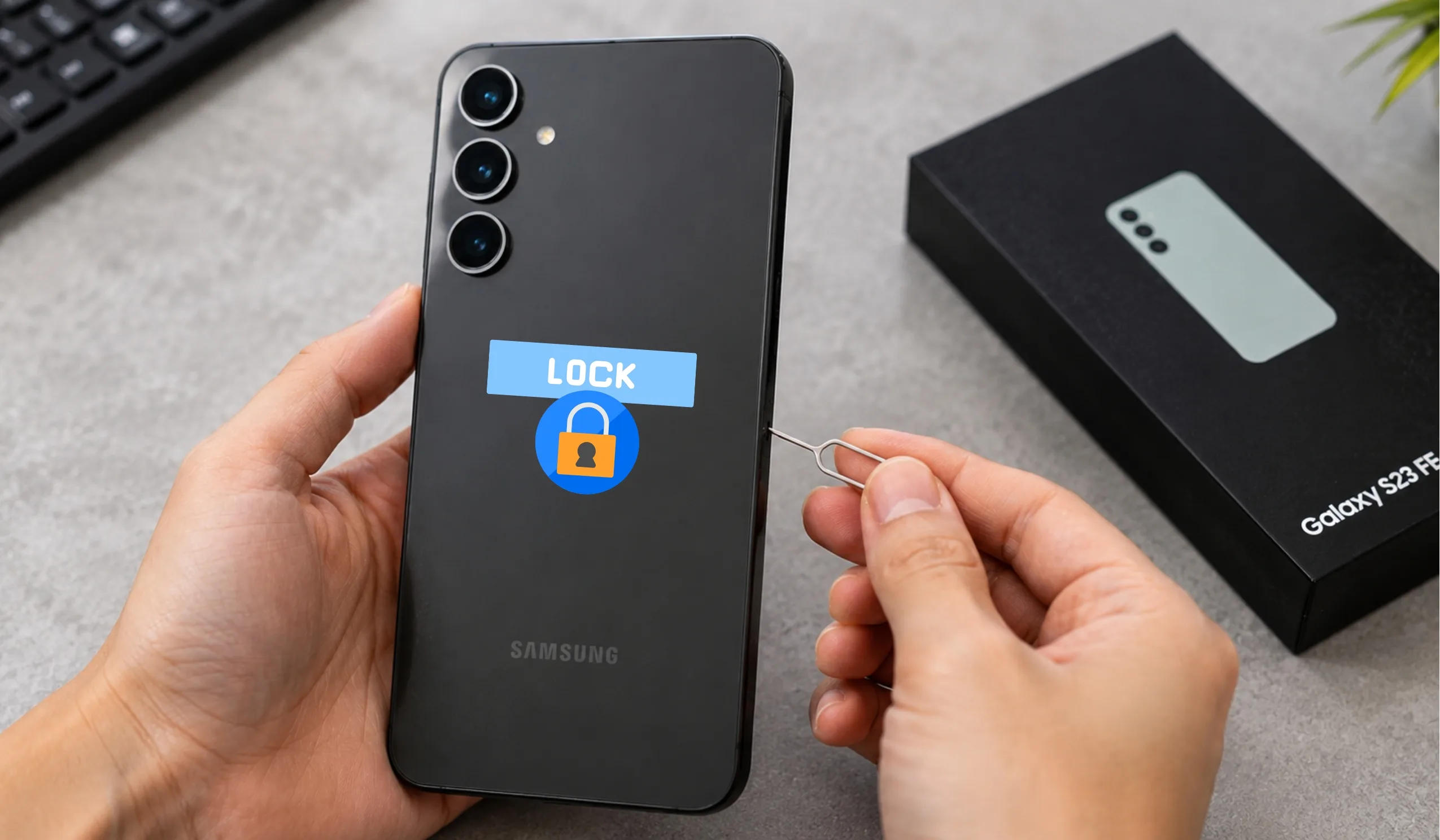
Unlocking a Samsung Galaxy S23 FE opens up a world of freedom. The owner can switch to a cheaper carrier. They can travel abroad and use local SIM cards. They can also fix a forgotten screen lock without panic. This guide covers every safe method. The reader will find clear steps for carrier unlocking. They will also find steps for screen unlocking. Every section uses simple words. Every paragraph stays short. Let’s dive right in.
Key Takeaways
- Know Which Lock You’re Facing — “Unlocking” means two different things: carrier unlocking frees your phone to work with any network, while screen unlocking helps you regain access if you forget your PIN or pattern. Identify your problem first to save time.
- Always Check Eligibility Before Contacting Your Carrier — Your Samsung Galaxy S23 FE must be fully paid off, your account must be in good standing, and you must meet the carrier’s waiting period (usually 40–60 days) before they will approve an unlock request.
- Use Samsung Find My Mobile First for Forgotten Screen Locks — If you set up a Samsung account, you can remotely unlock your screen through the Find My Mobile website without losing any photos, apps, or personal data.
- Never Guess the SIM Network Unlock PIN — If your phone asks for this code after inserting a new SIM, get it directly from your original carrier using your IMEI number. Guessing wrong too many times can permanently freeze your device.
- Avoid Third-Party Scams and Unofficial Software — Only use official carrier channels or Samsung’s built-in tools. Never download “free unlock” software or share your IMEI with strangers, as these can install malware, steal your data, or void your warranty.
What Does “Unlock” Really Mean?
The word “unlock” confuses many people. It actually means two different things. Carrier unlocking frees the phone from one specific network. Screen unlocking opens the phone when the owner forgets their PIN. Both problems feel scary. Both have simple fixes. The reader should pick the section that matches their problem. This guide starts with carrier unlocking. That is what most people search for. The screen lock section comes later.
Why Carrier Unlocking Matters
A carrier-locked phone only works with one company. It might say “T-Mobile” or “Verizon” on the box. The phone rejects SIM cards from other brands. This hurts people who want to save money. It also hurts travelers who need foreign networks. Unlocking the Samsung Galaxy S23 FE fixes this problem forever. The phone becomes usable anywhere. The owner keeps the same device. They just gain more choices.
How To Check If The S23 FE Is Carrier Locked
The user does not need to guess. They can test the lock status in five minutes. First, they ask a friend for a different carrier’s SIM card. Then they power off the Samsung Galaxy S23 FE. They remove the tiny SIM tray with the ejection tool. They swap the old SIM for the borrowed one. Now they power the phone back on.
If the home screen appears normally, the phone is already unlocked. If a message pops up asking for a “SIM Network Unlock PIN,” the phone is locked. This quick test saves hours of wasted effort. The user now knows exactly which guide to follow.
What The User Needs Before Starting
Every carrier asks for the same basic details. The user must find their phone’s IMEI number. This number is like a fingerprint for the device. No two phones share it. To find it, the user opens the phone app. They dial *#06#. A long number appears on the screen. They should write it down. They should also save a screenshot.
The user also needs their account details. The carrier will ask for the account holder’s name. They will ask for the phone number tied to the device. They may ask for the account PIN or password. Gathering these items first makes the process much faster.
Carrier Unlock Requirements Explained
Carriers do not hand out unlock codes for free to everyone. They have rules. These rules protect their business. The user must usually meet every requirement before they get help.
The device must be fully paid off. If the user still owes money for the phone, the carrier will say no. They want to make sure they get their payment first.
The account must be in good standing. This means no overdue bills. It also means no fraud flags.
The phone must not be reported stolen. Carriers block stolen devices. They will never unlock a blacklisted phone.
The user must meet a waiting period. T-Mobile usually makes buyers wait about 40 days. Verizon often locks phones for 60 days after purchase. AT&T has similar time rules. These rules change, so the user should check their carrier’s official website.
How To Unlock Samsung Galaxy S23 FE Through T-Mobile
T-Mobile keeps the process simple. The user opens the T-Mobile app on the phone. They look for the “Account” tab. Then they tap “Profile settings.” They scroll down to find “Device Unlock.” If the phone qualifies, they tap “Permanent Unlock.” The phone sends a request to T-Mobile’s servers. Approval usually takes a few minutes. Sometimes it takes 24 hours.
If the app does not show the unlock option, the user can call T-Mobile support. They give the agent the IMEI number. They explain that they want to unlock their Samsung Galaxy S23 FE. The agent checks the account. If everything looks good, they process the request. The user should restart the phone after approval. This makes the unlock take full effect.
How To Unlock Samsung Galaxy S23 FE Through Verizon
Verizon locks most phones for 60 days. This is an automatic policy. After 60 days, the phone usually unlocks itself. The user does not need to do anything. They can check this by testing a different SIM card.
If 60 days have passed and the phone still locks, the user should call Verizon. They dial the customer service number. They say, “I need to unlock my Samsung Galaxy S23 FE.” They provide the IMEI. The agent checks the system. If the phone shows as eligible, they push the unlock through. Verizon rarely requires a manual code for newer Samsung phones. The unlock happens on the backend.
How To Unlock Samsung Galaxy S23 FE Through AT&T
AT&T uses an online portal. The user visits the AT&T device unlock website. They fill out a short form. The form asks for the IMEI. It also asks for the user’s name and email. They submit the form. AT&T sends a confirmation email. The user must click the link in that email. This proves they own the request.
AT&T usually answers within 48 hours. They send an email with the unlock code. They also send instructions. The user inserts a non-AT&T SIM card. The phone asks for the code. They type it in carefully. They tap “Unlock.” A message says the network unlock was successful. The user should only type the code once they are sure it is correct. Too many wrong tries can hard-lock the device.
How To Unlock Samsung Galaxy S23 FE Through Spectrum, Xfinity, or Other Carriers
Smaller carriers follow the same basic idea. The user calls customer support. They ask for the unlock department. They give the IMEI. They confirm the account is paid and active. Some carriers use an app. Others send the code by text or email. The user should always ask for a case number. This helps if they need to call back later.
What If The Carrier Says No?
Sometimes the user does not meet every rule. Maybe they bought the phone secondhand. Maybe the account has old unpaid bills. The carrier may refuse the request. This feels frustrating. But the user still has options.
They can try a reputable third-party unlock service. These services buy codes from databases. They sell them to users. The user must research the company carefully. They should read reviews. They should avoid sites that promise “instant free unlocks.” Those are usually scams. A real service charges a fee. It also asks for the IMEI. It does not ask for the user’s bank password.
How To Unlock The Samsung Galaxy S23 FE Screen
Now let’s talk about the other kind of lock. The user wakes up. They forget their PIN. They forget their pattern. The fingerprint scanner fails. The phone sits on the lock screen. It refuses to open. This section fixes that problem.
Method 1: Samsung Find My Mobile
Samsung built a free tool for this exact moment. It is called Find My Mobile. It works like magic. But it only works if the user set up a Samsung account earlier. Most people do this during the first day of setup.
The user goes to a computer or another phone. They visit the Samsung Find My Mobile website. They log in with the same Samsung account. They see their Samsung Galaxy S23 FE on a map. They click the device name. They look for the option that says “Unlock.” They click it. The system wipes the screen lock. The phone opens. All photos, apps, and contacts stay safe. This is the best method because it keeps the data.
Method 2: Factory Reset via Recovery Mode
Sometimes the user never made a Samsung account. Find My Mobile cannot help then. The user must do a factory reset. This method erases everything. It returns the phone to its first-day state. The lock screen disappears. But so do all personal files. The user should only pick this method if they have no other choice.
First, they power off the phone completely. They hold the Volume Up button and the Power button at the same time. They keep holding. The Samsung logo appears. Then the Android recovery screen shows up. They let go of the buttons.
The screen shows a list of options. The user moves the highlight with the Volume Down button. They stop on “Wipe data/factory reset.” They press the Power button to select it. Another screen asks for confirmation. They move to “Factory data reset.” They press Power again. The phone works for a few minutes. Then it restarts. The lock is gone. The phone asks for Google account setup again.
Method 3: Smart Lock (If Setup Earlier)
Some users set up Smart Lock before they forgot their PIN. Smart Lock keeps the phone open in trusted places. It might unlock at home. It might unlock near a trusted Bluetooth device. If the user is in that trusted place, the phone may open without the PIN. They should check this quickly. If it works, they can rush to Settings. They can change the PIN to something they remember.
What Is A SIM Network Unlock PIN?
Many users see this message. It pops up after they insert a new SIM card. It looks scary. It asks for a PIN they never made. This is normal. The carrier made this PIN. It is not the user’s screen PIN. It is a special code that frees the network chip.
The user gets this code from their original carrier. They do not guess. They do not try random numbers. Guessing wrong too many times can permanently freeze the phone. The user calls the carrier. They say, “My Samsung Galaxy S23 FE asks for a SIM Network Unlock PIN.” The carrier looks up the IMEI. They give the exact code. The user types it slowly. They tap “Unlock.” The phone accepts the new SIM forever.
Troubleshooting Common Unlock Problems
Even simple steps can hit a snag. This section fixes the most common headaches.
The unlock code says “Invalid.” The user should check the IMEI again. They should make sure they gave the carrier the right number. They should also check that they type the code correctly. The number zero and the letter O look alike. They should try again slowly.
The phone says “Unlock failed.” This can mean the phone was blacklisted. It can also mean the code came from the wrong database. The user should call the carrier back. They should ask the agent to double-check.
The phone restarts but still shows the old carrier name. Sometimes the unlock works, but the software still shows the old logo. The user should insert a different SIM. If calls go through, the unlock worked. The logo is just cosmetic.
Find My Mobile says “Can’t locate device.” The phone might be offline. It needs Wi-Fi or mobile data to talk to Samsung’s servers. The user should wait until the phone connects. Then they try again.
Safety Warnings Every User Must Know
The internet is full of fake unlock tools. Some websites claim to unlock phones with a free download. They ask the user to install software. This is dangerous. That software often contains viruses. It can steal bank passwords. It can also break the phone beyond repair.
The user should never pay cash to random people on social media. They should never share their IMEI with strangers in chat rooms. They should never root the phone to force an unlock. Rooting voids the warranty. It also breaks Samsung Pay and some security features.
The safest path is always the official path. The carrier wants to help. Samsung wants to help. These companies have support lines. They have websites. They have stores. Free help exists. The user should use it first.
Does Unlocking Void The Warranty?
This question comes up a lot. The answer is simple. Carrier unlocking does not void the warranty. It is legal. It is safe. The phone keeps all its features. Samsung still honors repairs.
Screen unlocking via factory reset also does not void the warranty. It is a built-in feature. However, rooting the phone does void the warranty. The user should avoid root methods. They should stick to the steps in this guide.
How Long Does The Whole Process Take?
Time depends on the method. A carrier unlock through an app can take five minutes. An AT&T online request can take two days. A forgotten PIN fix via Find My Mobile takes five minutes. A factory reset takes ten minutes of button pressing, plus setup time.
The user should plan ahead. If they need the phone for a trip, they should start the carrier unlock one week early. This gives time for delays. It also gives time to test a new SIM card before the flight.
Can The User Re-Lock The Phone Later?
Some people worry about this. They think unlocking is permanent. They are right. A carrier unlock is permanent. The phone stays open for life. It survives software updates. It survives factory resets.
The only way to re-lock a phone is to flash special carrier firmware. Normal users never do this. The user should not worry about accidentally locking the phone again.
The Bottom Line
Unlocking the Samsung Galaxy S23 FE is not hard. It just requires patience. The user must know which lock they face. They must gather the right information. They must follow the steps in order. Carrier unlocking gives the owner true freedom. They can pick any plan. They can travel without roaming fees. Screen unlocking saves them from a costly mistake. It brings their data back into reach.
This guide used simple words. It broke every task into tiny steps. The reader should feel confident now. They can unlock their Samsung Galaxy S23 FE without fear. They can enjoy the full power of their device. The phone belongs to them. It should work for them. And now, it will.
Frequently Asked Questions
Yes, it can. The Samsung Galaxy S23 and the S23 FE can both be unlocked. The owner can unlock it from a specific carrier. They can also unlock the screen if they forget their PIN. The method depends on the type of lock. Carrier unlocking requires the original network’s approval. Screen unlocking uses Samsung’s built-in tools.
Yes, it is possible. A locked Samsung phone is not a dead end. If it is carrier-locked, the user can request an official unlock code. If the screen is locked, they can use Samsung Find My Mobile. They can also perform a factory reset through recovery mode. Each method works well when done step by step.
Official carrier unlocking is usually free. Most carriers like T-Mobile, Verizon, and AT&T do not charge a fee if the user meets all requirements. Third-party services may charge between $20 and $50. The user should avoid “free” tools that ask for software downloads. Those often hide scams or viruses.
There is no single universal code. Each Samsung Galaxy device has its own unique unlock code. The code comes from the carrier. The user gets it by providing their IMEI number. They dial *#06# to find that number. Then they call their carrier. The carrier gives the exact code for that specific phone.
The safest way is through Samsung Find My Mobile. The user logs into their Samsung account on a computer. They select their device. They click the “Unlock” button. This removes the screen lock without deleting data. If they never set up a Samsung account, they must use a factory reset via recovery mode. This erases everything but opens the phone.
This code opens the SysDump menu. It is a hidden diagnostic tool. It is meant for technicians and advanced users. The average user should not touch this menu. It can change system settings and cause serious problems. For everyday unlocking needs, this code is not helpful. The user should stick to official methods instead.